Original: $9.60
-70%$9.60
$2.88The Story
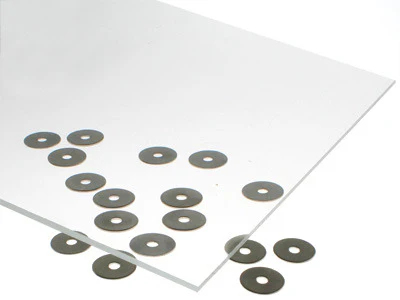
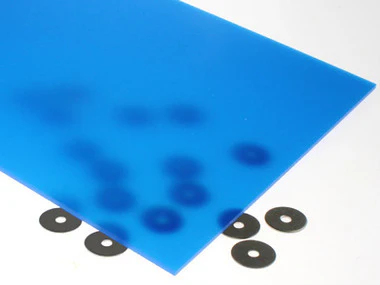
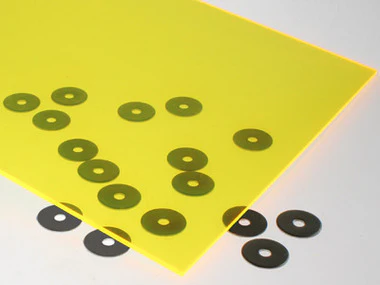
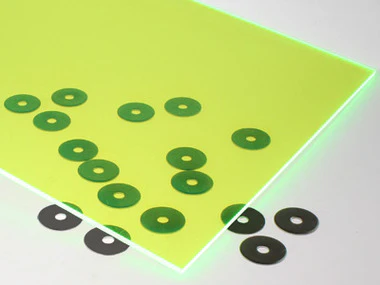
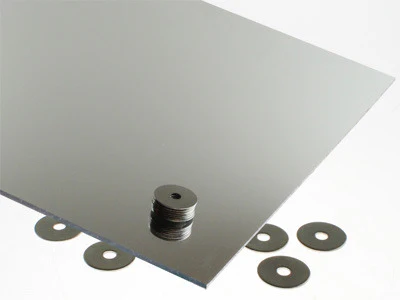
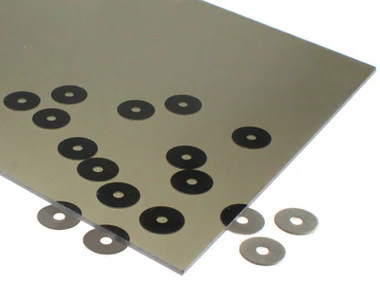
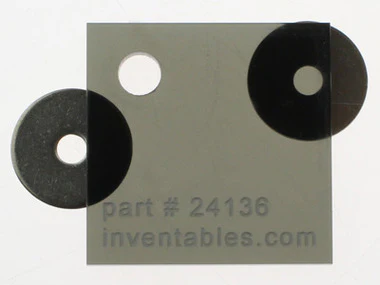
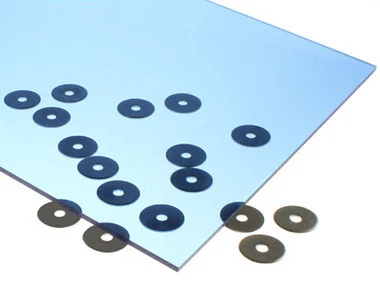
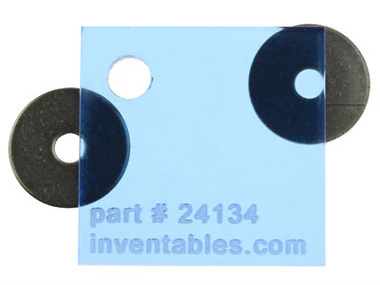
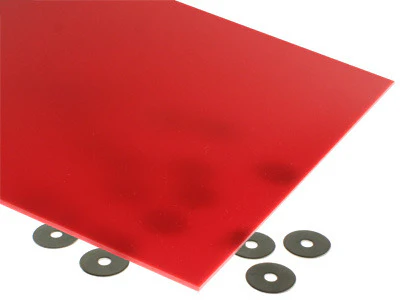
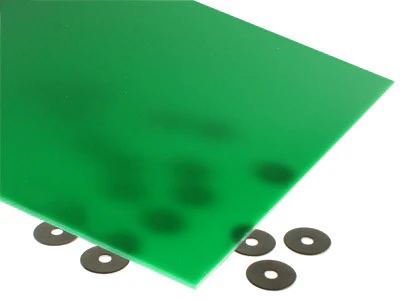
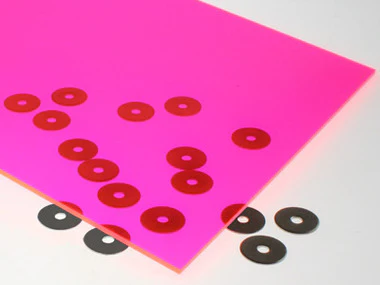
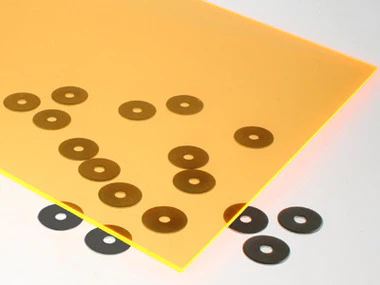
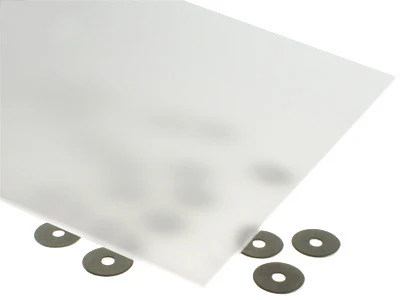
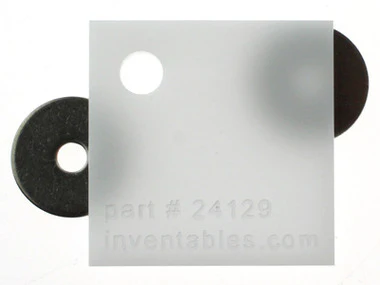
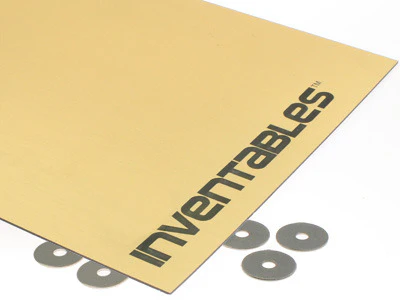
These sheets have a plastic masking on the top side only. The back is not masked and may have minor scuffs and scratches.
This acrylic works great both in a laser cutter and on a CNC mill like the X-Carve.
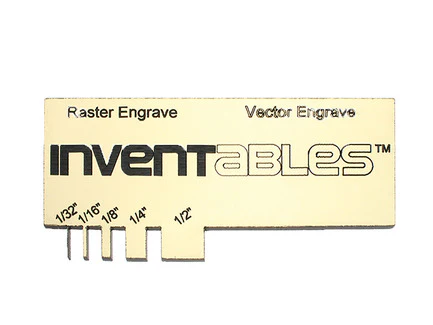
Instructions for Engraving and Cutting 2 color acrylic sheets
Please note these are intended as ‘a starting point’ and adjustments in 5% increments may be needed to achieve optimal results. When engraving & cutting the .022” thickness a 10-15% reduction in power would certainly be reasonable.
Engrave Settings: @ 40 power / 90 speed / 400 DPI Cut @ 30 power / 15 speed / 1000 hz.
Bottom Up Engraving: Change the orientation of your laser to begin engraving from the bottom of the material upwards. This simple process will minimize the amount of residue being exhausted over previously engraved material which can re-deposit on the warm core and make clean up difficult. You can change the orientation of your laser to bottom up engraving from the advanced tab in your print driver.
PPI Settings: Lowering the number of pulse firings per inch, particularly when engraving larger text or objects, will help keep the material cooler minimizing warp tendencies. Setting your PPI at 400 for photo engraving helps to minimize the ‘banding effect’ often experienced with this fabrication process.
Vector Cutting: When your application will permit, we recommend leaving the protective masking in place when performing vector cuts. This will minimize burn residue and clean up efforts. Ensure laser is properly focused to ensure clean, smooth cuts. Note: PPI’s over 400 when used in vector cutting are likely to cause of tacky edges.
Details & Craftsmanship
Every detail has been carefully considered to bring you the perfect product.
Details & Craftsmanship
Every detail has been carefully considered to bring you the perfect product.
Description
These sheets have a plastic masking on the top side only. The back is not masked and may have minor scuffs and scratches.
This acrylic works great both in a laser cutter and on a CNC mill like the X-Carve.
Instructions for Engraving and Cutting 2 color acrylic sheets
Please note these are intended as ‘a starting point’ and adjustments in 5% increments may be needed to achieve optimal results. When engraving & cutting the .022” thickness a 10-15% reduction in power would certainly be reasonable.
Engrave Settings: @ 40 power / 90 speed / 400 DPI Cut @ 30 power / 15 speed / 1000 hz.
Bottom Up Engraving: Change the orientation of your laser to begin engraving from the bottom of the material upwards. This simple process will minimize the amount of residue being exhausted over previously engraved material which can re-deposit on the warm core and make clean up difficult. You can change the orientation of your laser to bottom up engraving from the advanced tab in your print driver.
PPI Settings: Lowering the number of pulse firings per inch, particularly when engraving larger text or objects, will help keep the material cooler minimizing warp tendencies. Setting your PPI at 400 for photo engraving helps to minimize the ‘banding effect’ often experienced with this fabrication process.
Vector Cutting: When your application will permit, we recommend leaving the protective masking in place when performing vector cuts. This will minimize burn residue and clean up efforts. Ensure laser is properly focused to ensure clean, smooth cuts. Note: PPI’s over 400 when used in vector cutting are likely to cause of tacky edges.